Control
Know what is happening in every building.
Mizban connects the call center, host, operations coordinator, maintenance, procurement and guest in one operational flow.
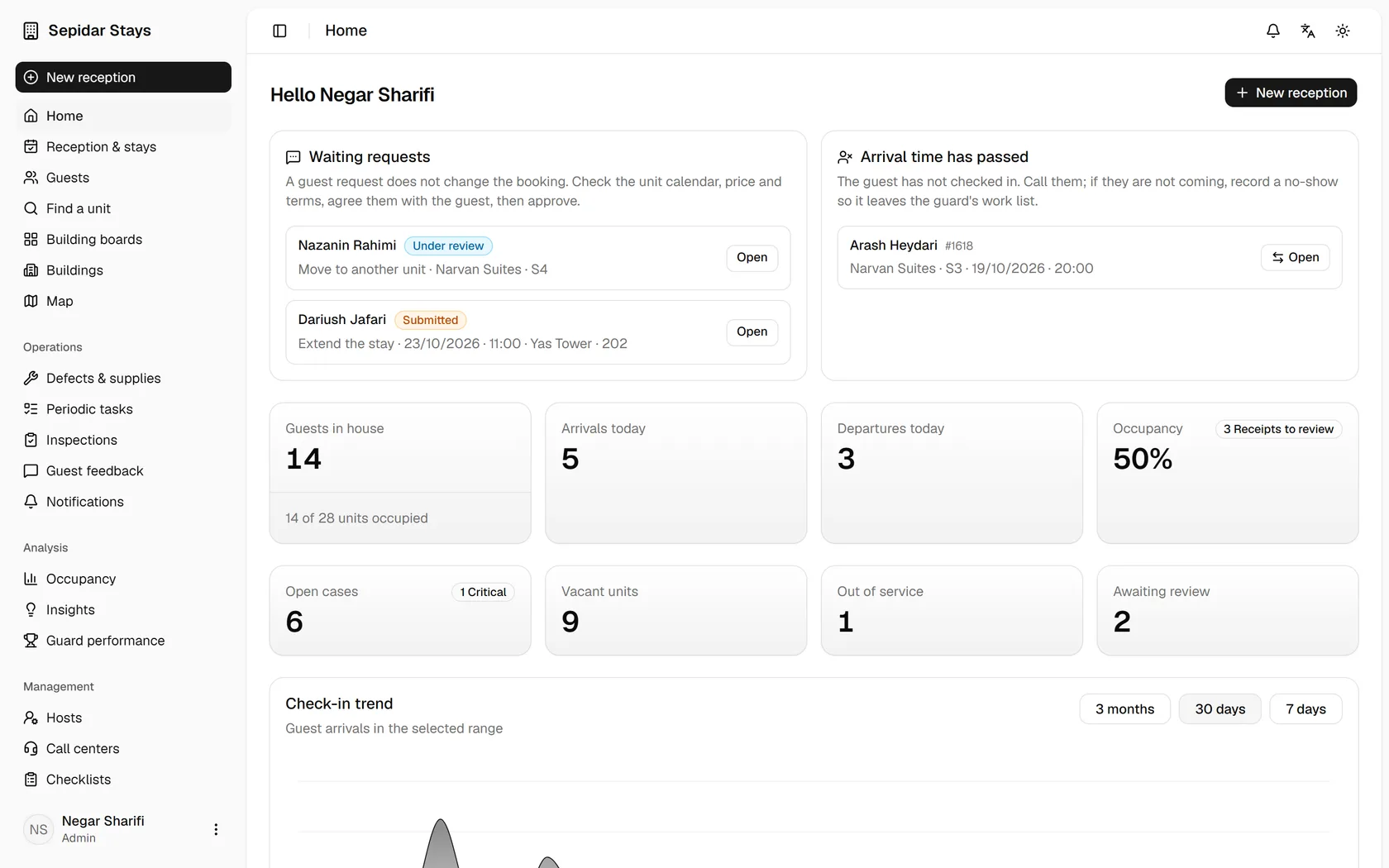
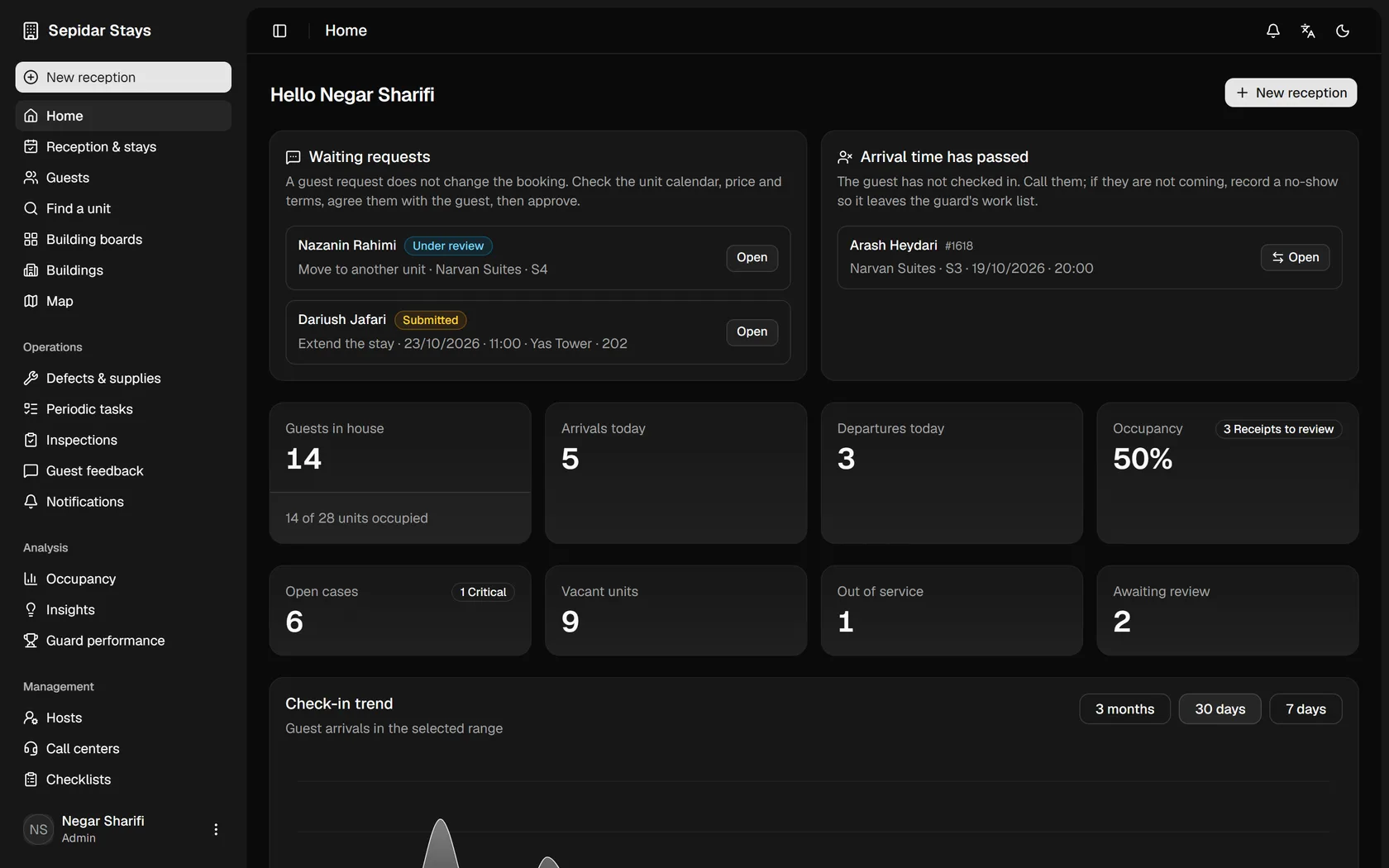
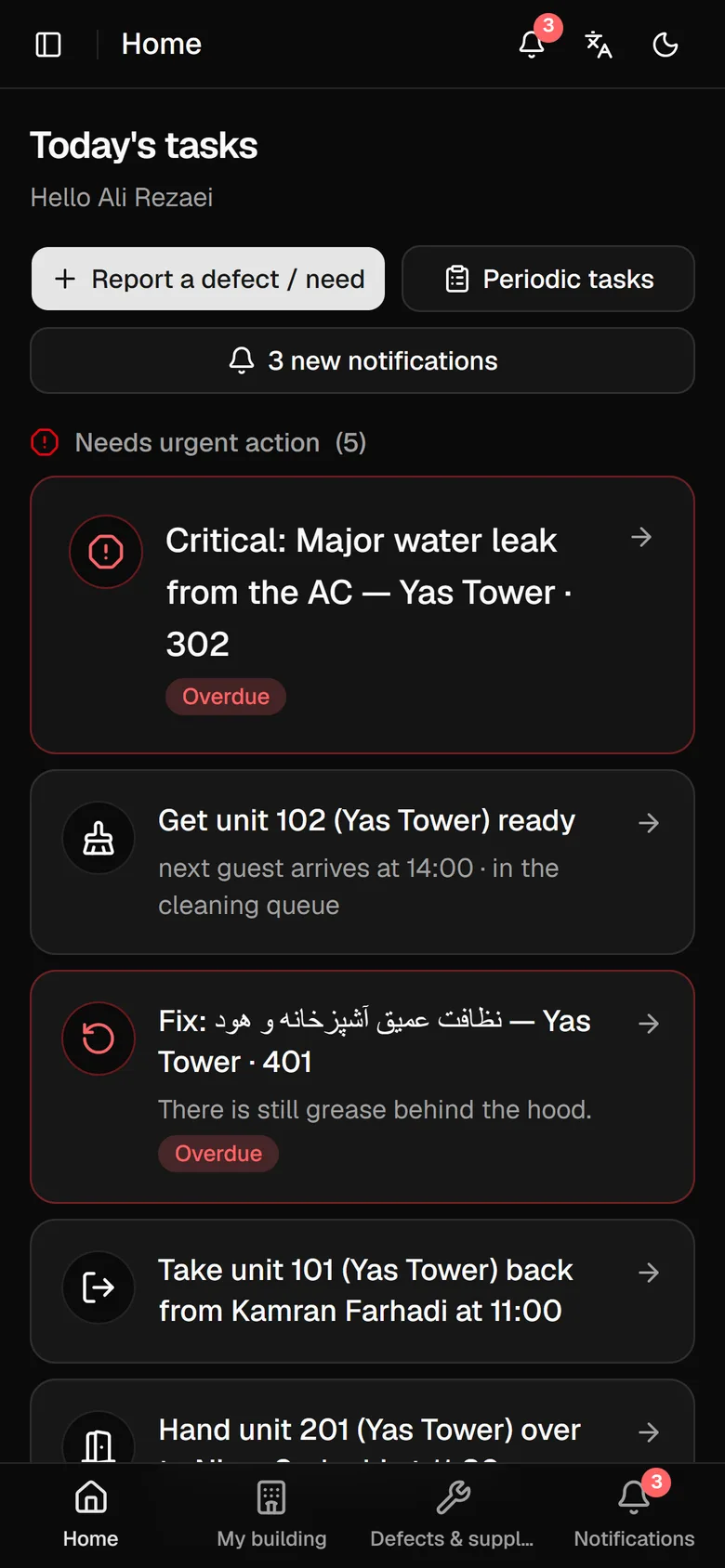
Check-in, cleaning and repairs belong to one flow. Lost handoffs turn vacant units into unavailable capacity.
Know what is happening in every building.
Trace identity, payment, signatures and stay events.
A vacant unit is not necessarily ready to sell.
Every important change has a time and an owner.
Select a building to see capacity, ready units, occupancy and units out of service. This educational map uses fictional data.
Educational demo • fictional sample dataManagement and the call center need visibility. Hosts need a clear next action. Guests need a calm companion for their own stay.
Overview, exceptions and their effect on capacity and quality.
Explore this roleCapacity, dates, readiness, calendar and guest requests.
Explore this roleCases, ownership, rounds and verification.
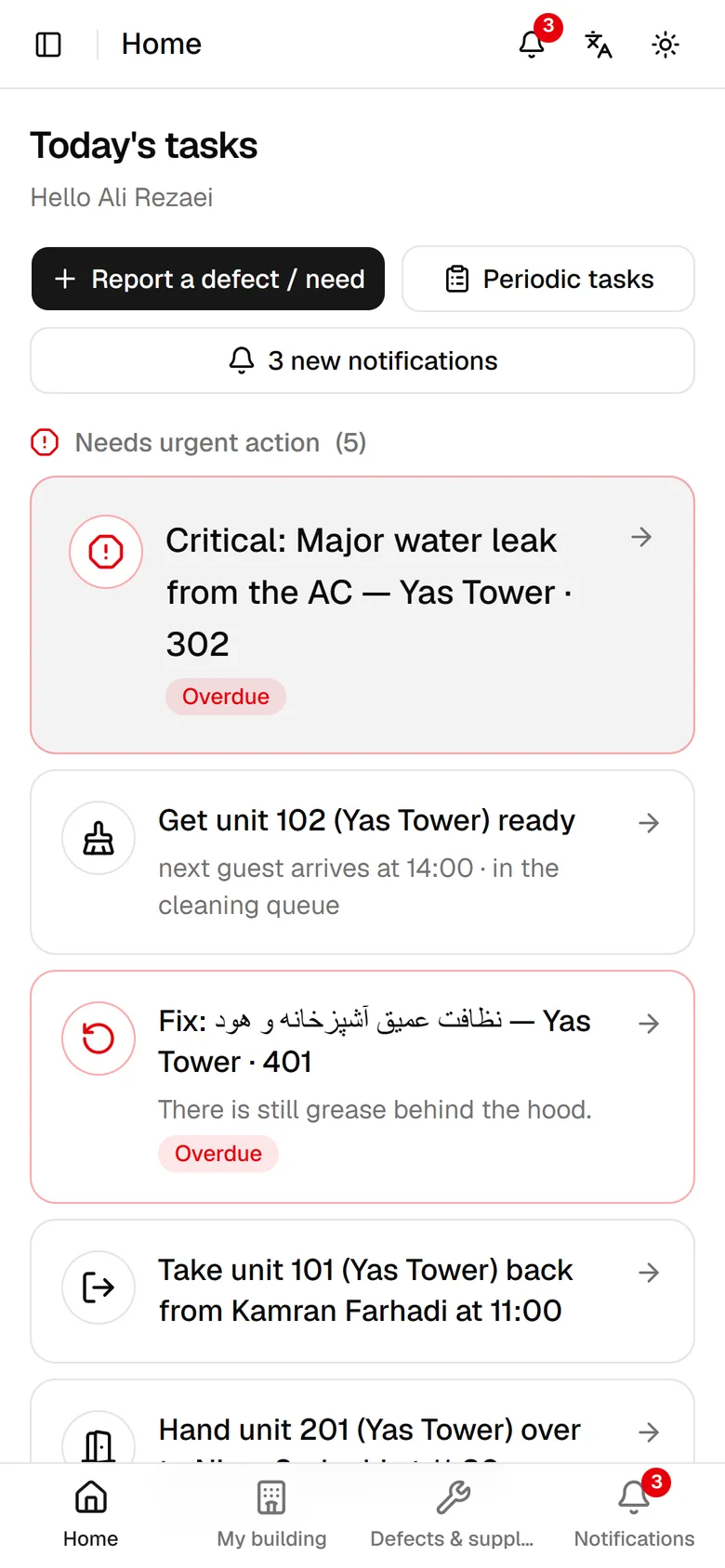
Explore this roleUrgent, today, waiting and done; large mobile actions.
Explore this roleReceive work, repair, record the result and request verification.
Explore this roleNeed, approval, purchase or stock, delivery and receipt.
Explore this roleArrival, directions, stay guide, requests and help.
Explore this roleEight short steps, without login or real data changes. See who owns each task and what comes next.
42 units across four buildings: 33 occupied, 5 ready, 2 being prepared and 2 out of service. Occupancy of sellable units: 83%.
Changes exist only in this educational demo and reset when you start again.
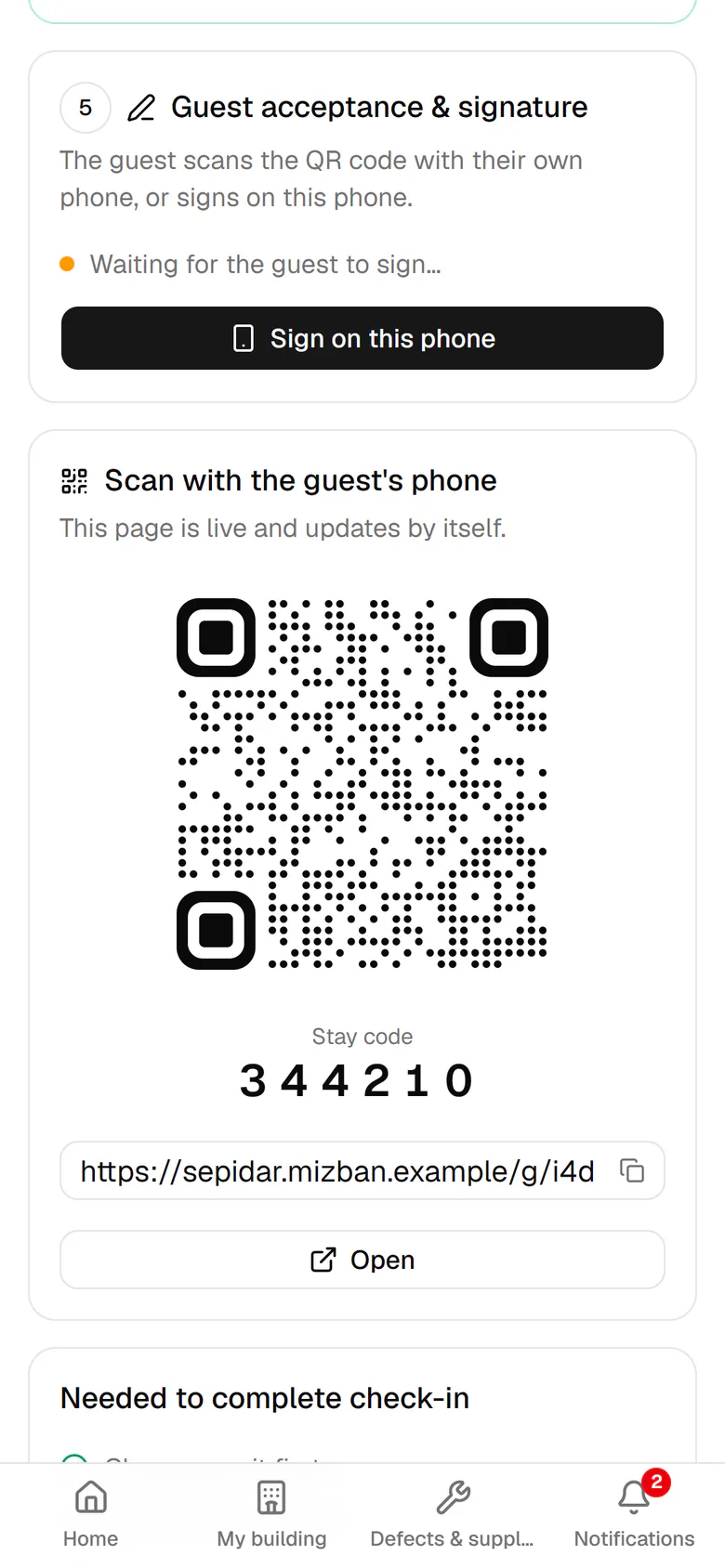
A QR or link opens identity and payment checks, rules and signature. This demo never collects documents or payments.
The stay companion shows only the guest's information. Wi-Fi and parking appear only where available. Extensions and unit changes go to the call center for review.
Explore this roleTasks can cover all buildings, one building, all units, one unit or a facility. Each building's completion and verification are tracked independently.
Guests see their own stay. Procurement does not need guest identity or payments. Hosts see necessary check-in and building information. Disciplinary decisions are not a default coordinator responsibility.
Time to find a unit, repair time, overdue work, unavailable capacity, cleaning quality and guest satisfaction. Numbers in this demo are examples, not live business analytics.
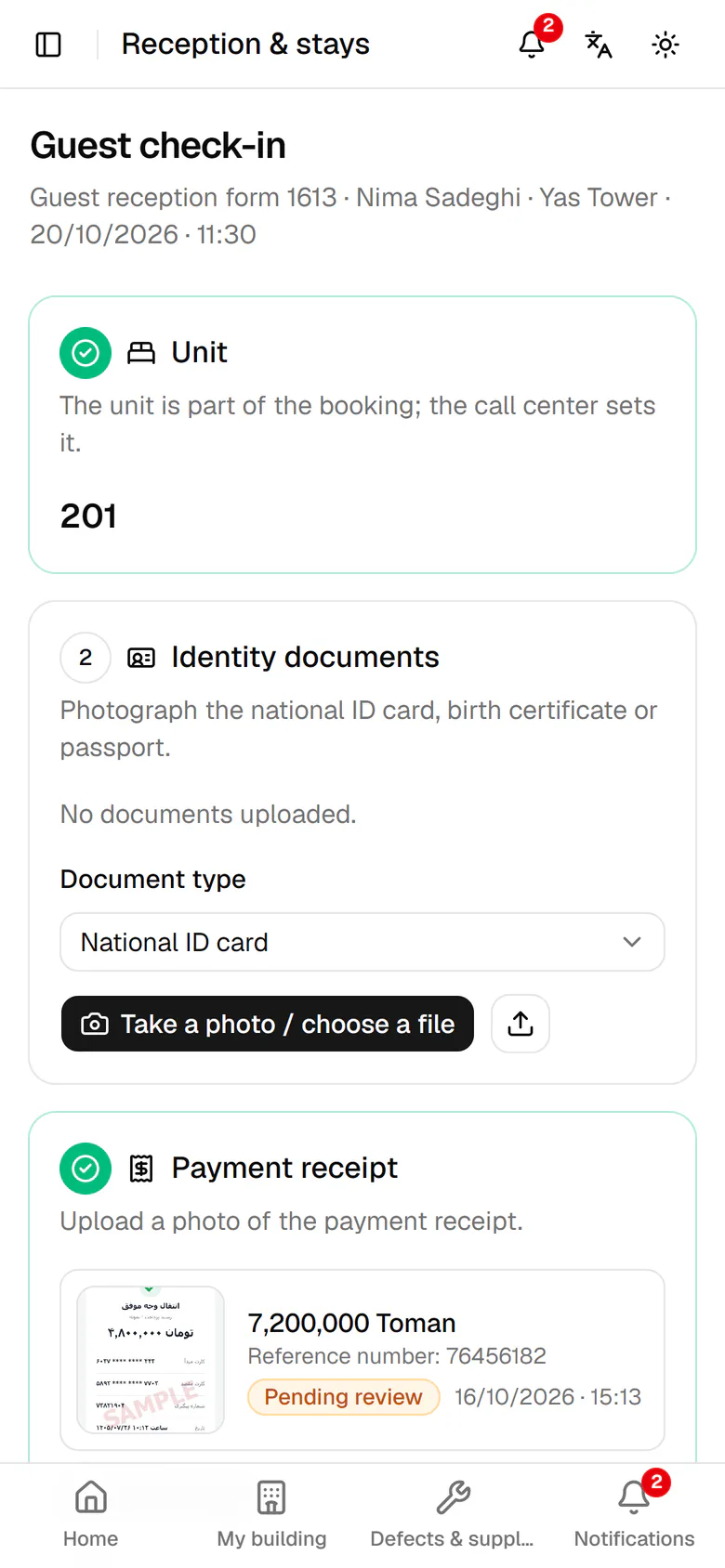
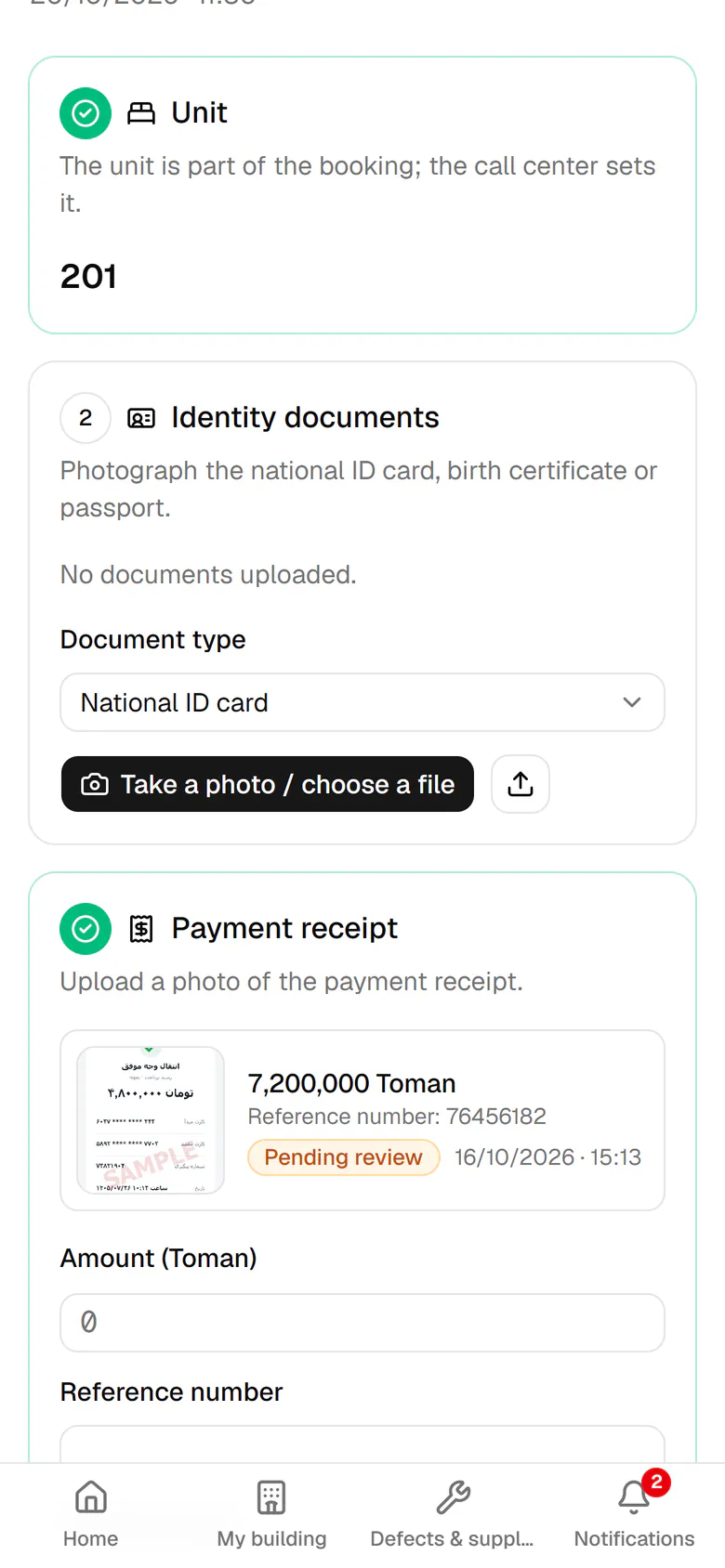
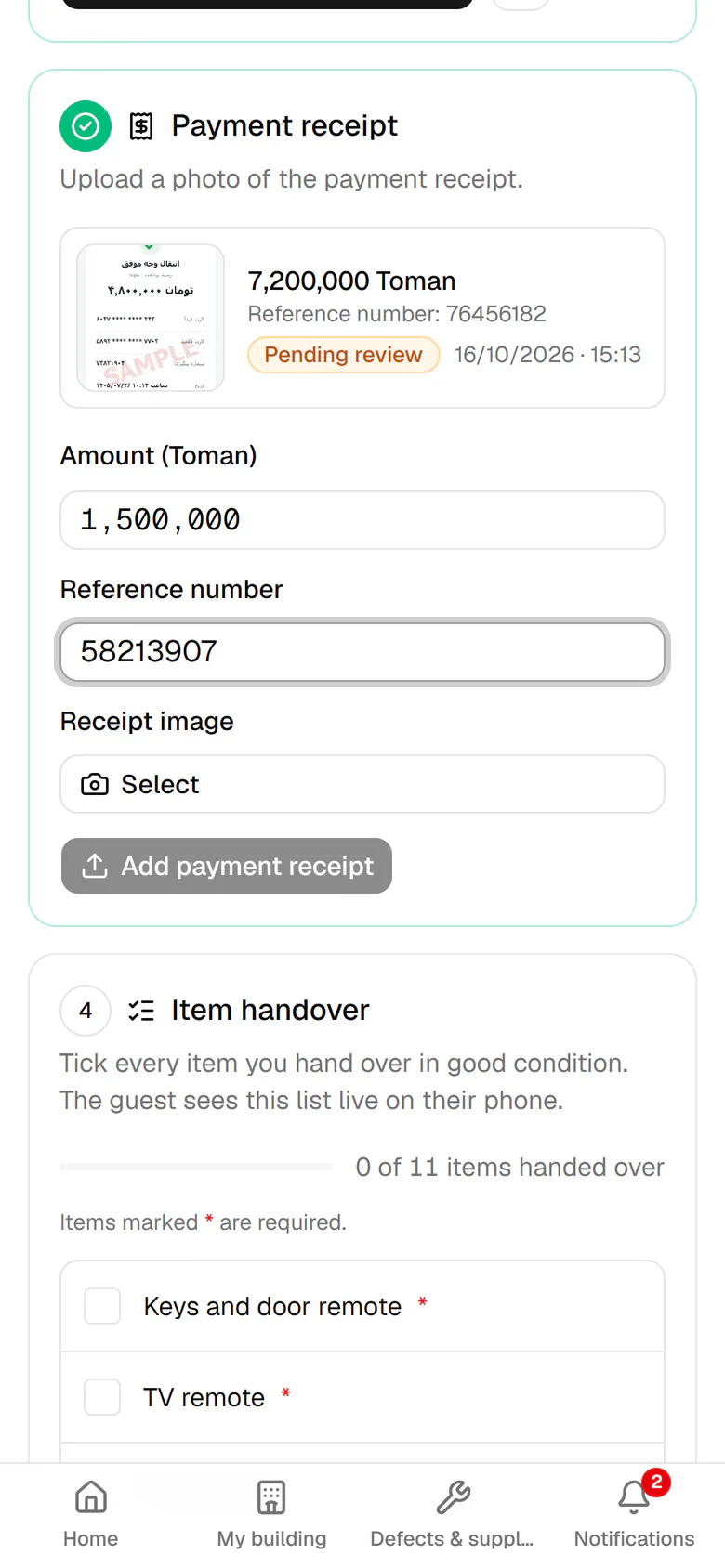
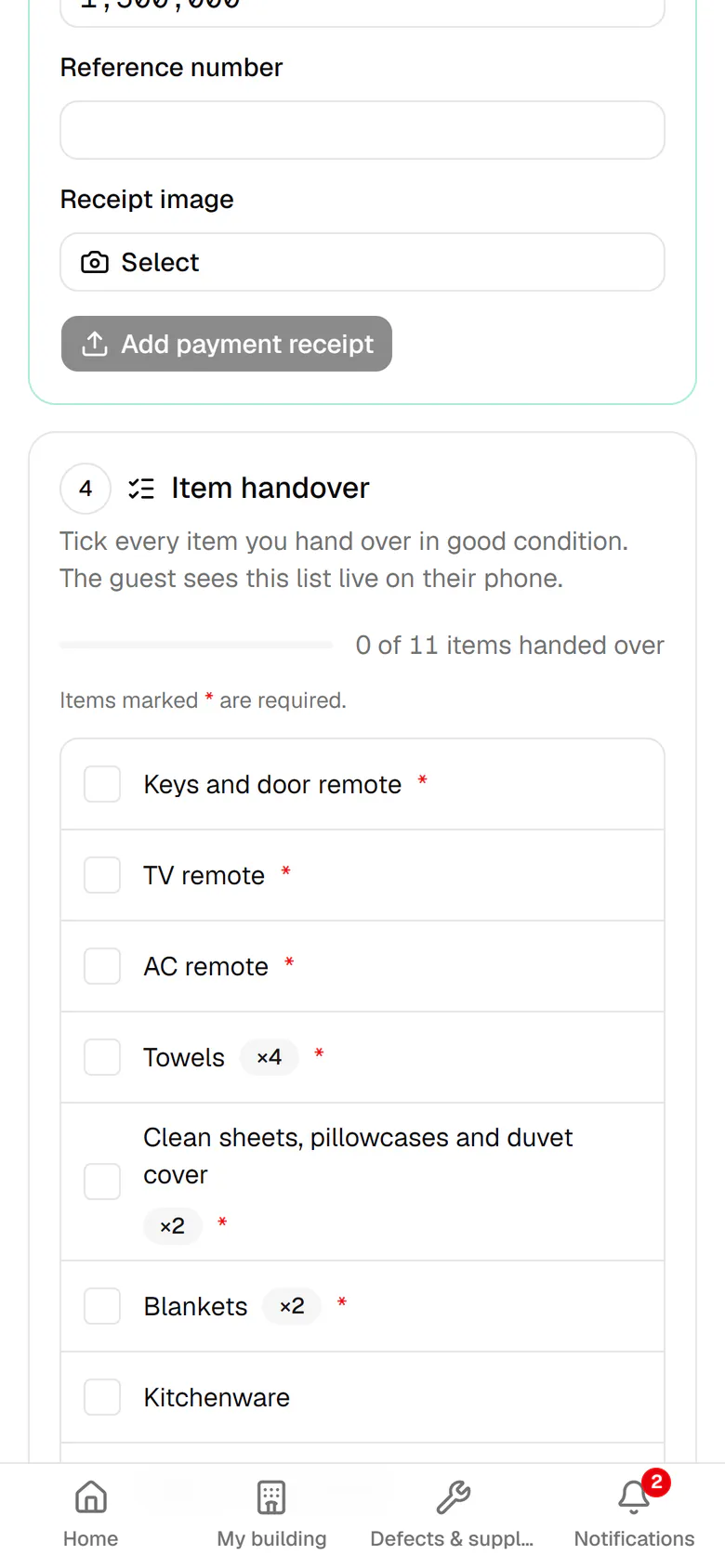
These are real Mizban screens, not mock-ups. Tap any step, or let it play.
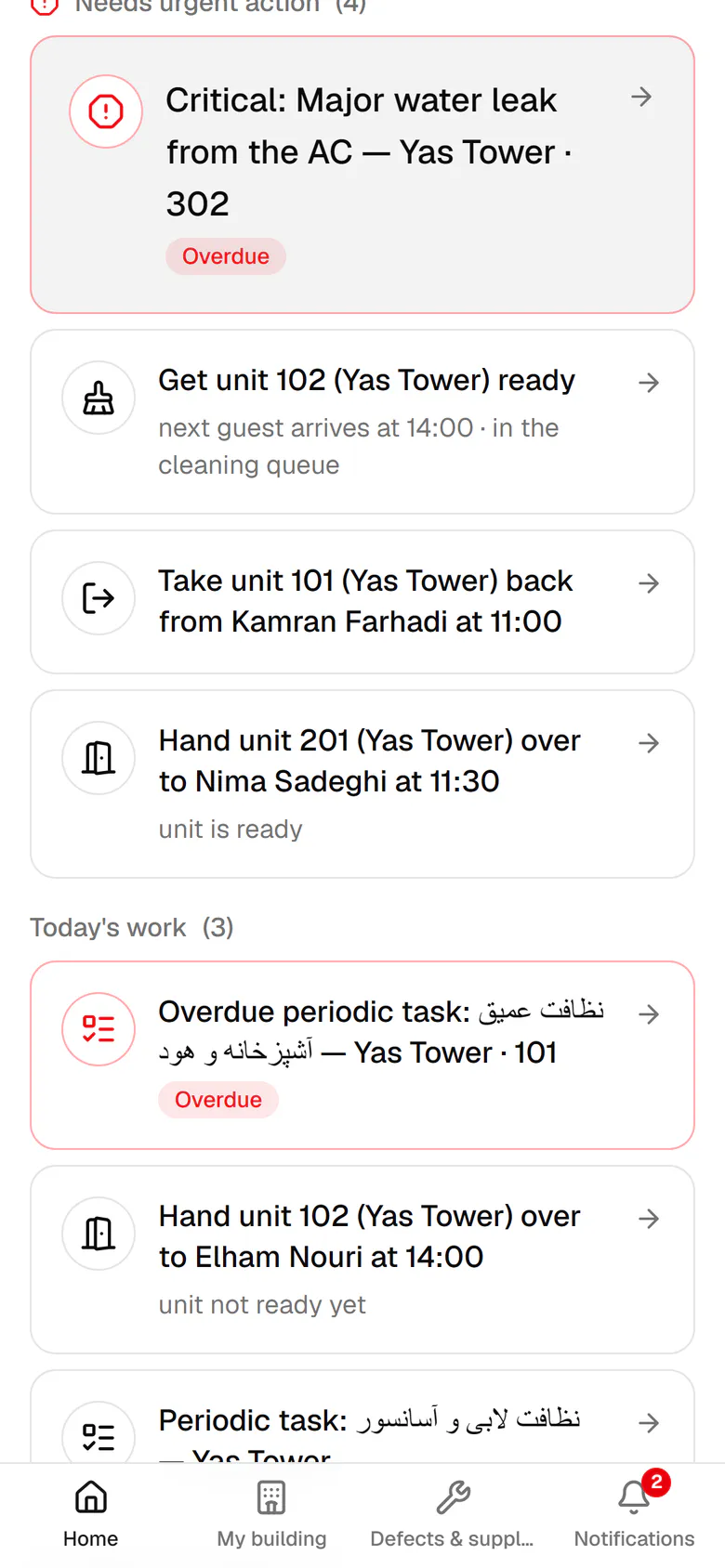
Nima is waiting in the lobby. Open the check-in task for unit 201.
A booking is a promise; the unit's status is what is true right now. Mizban keeps the two apart and shows both to everyone.
The call center finds a free unit for the dates, books it from the unit calendar, and the guest's link and stay code are created.
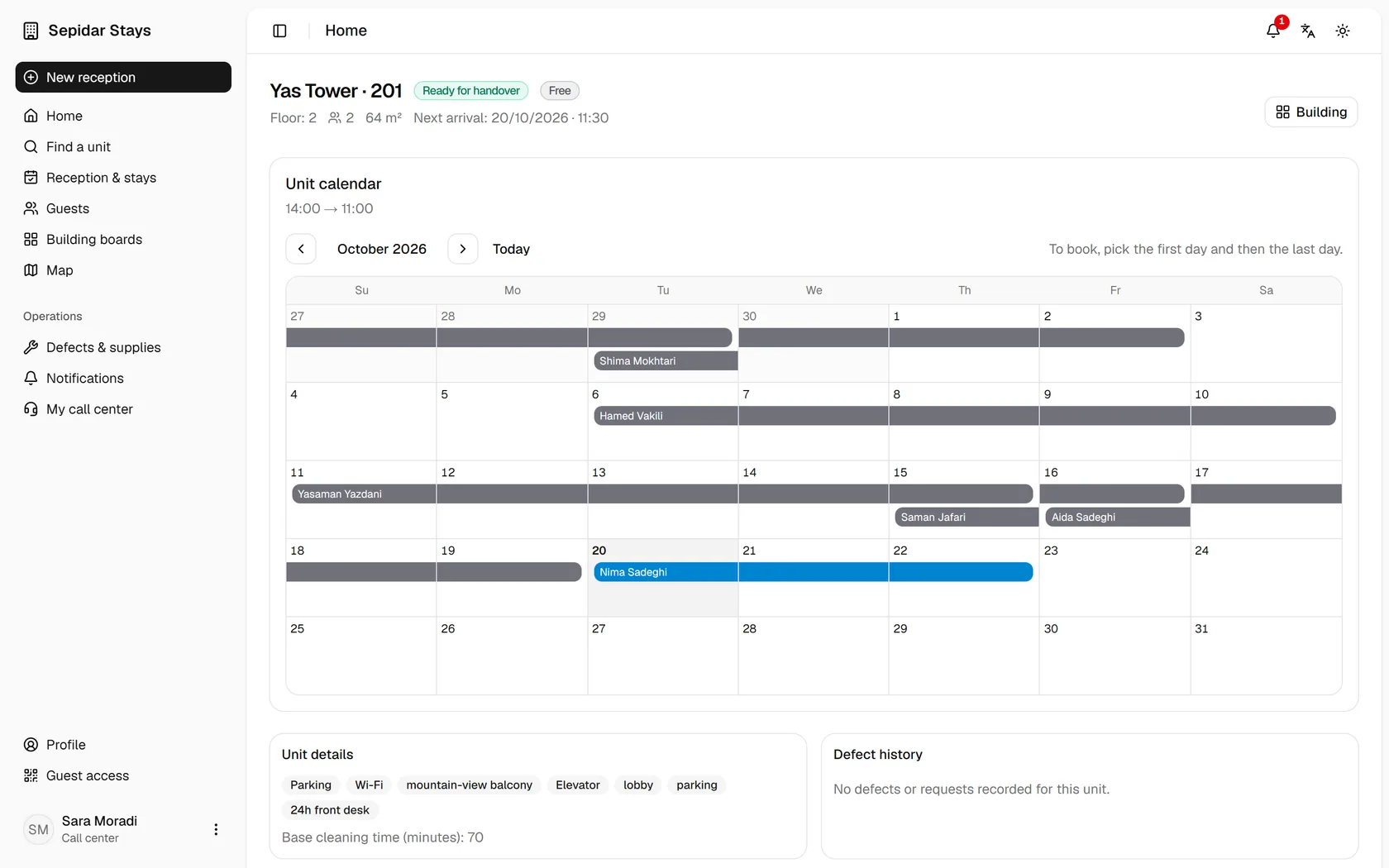
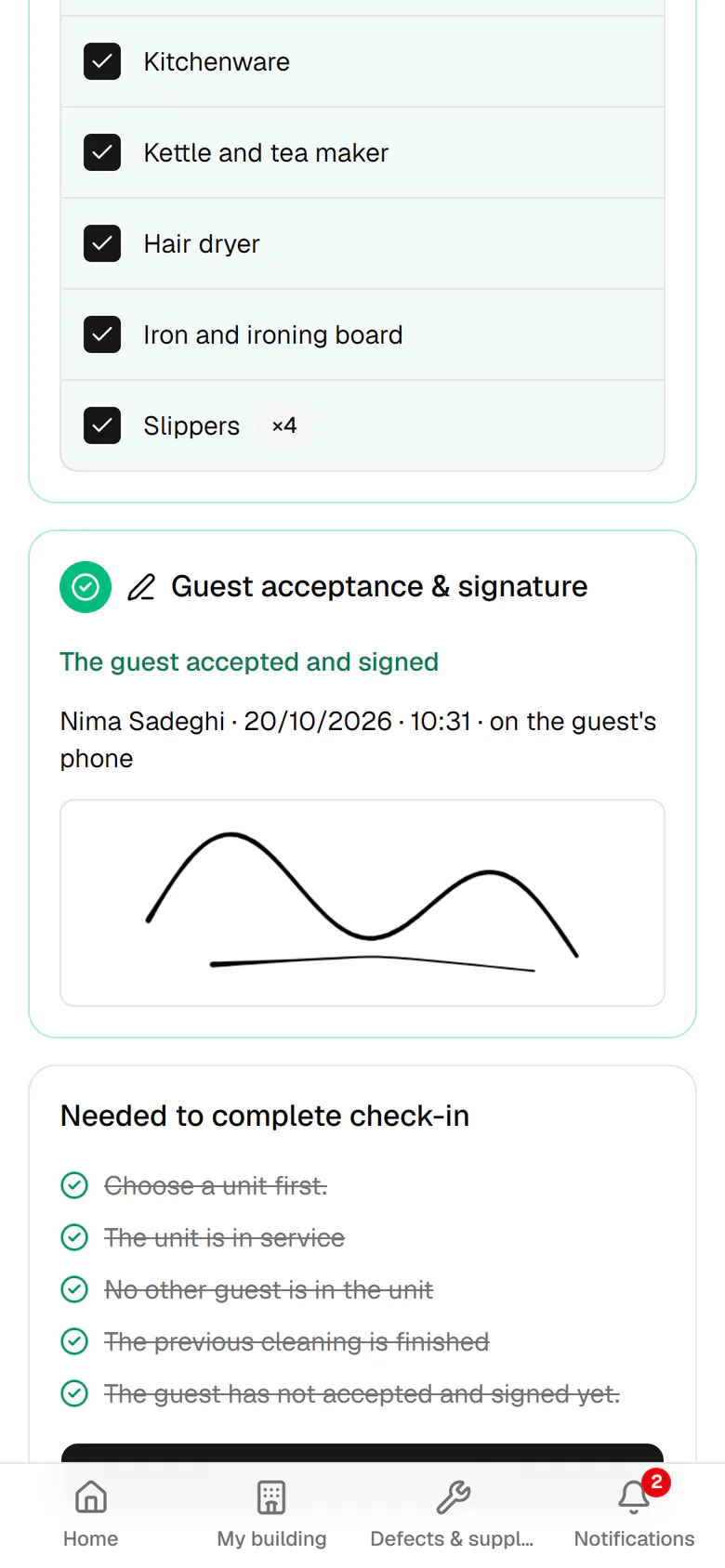
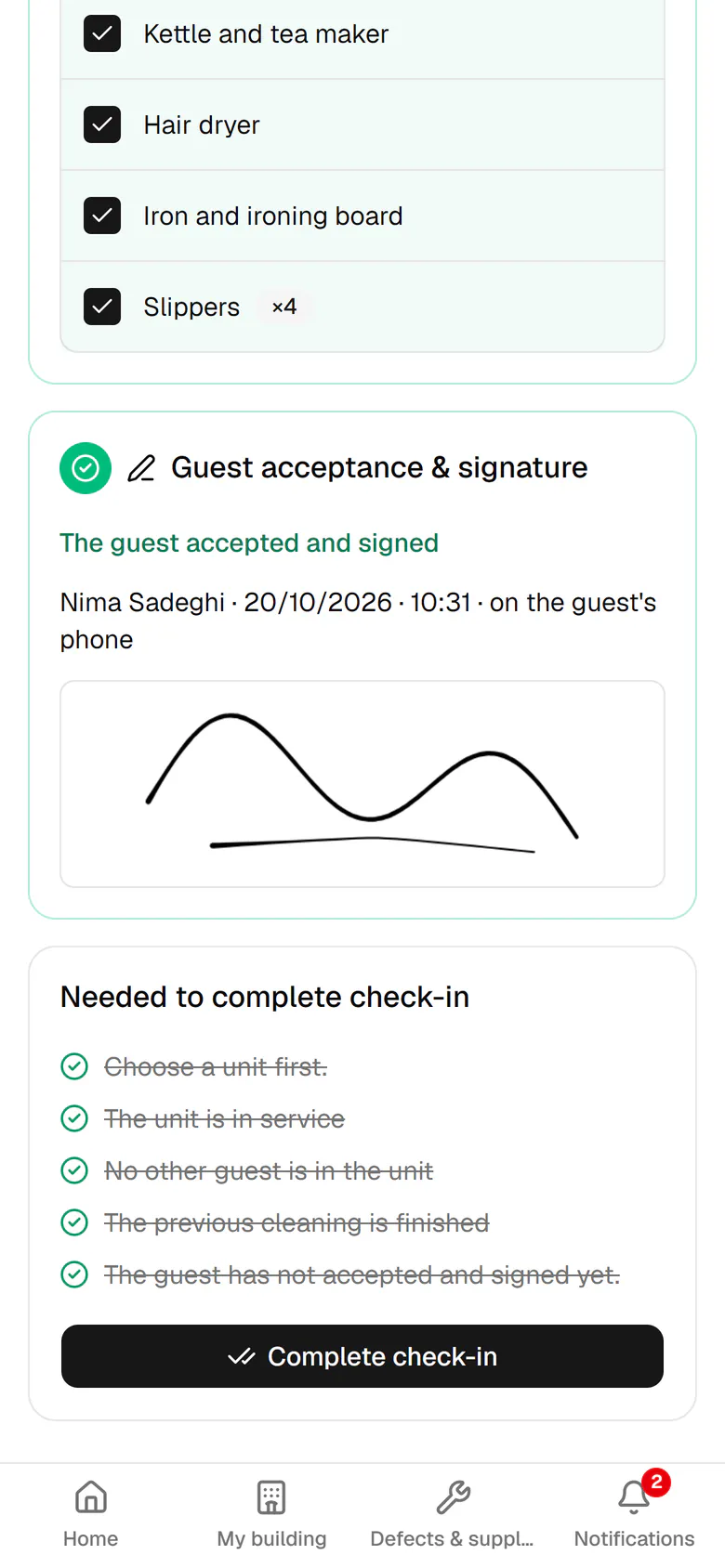
The host records IDs, the receipt and the item list on the phone; the guest scans a QR code and signs with a finger.
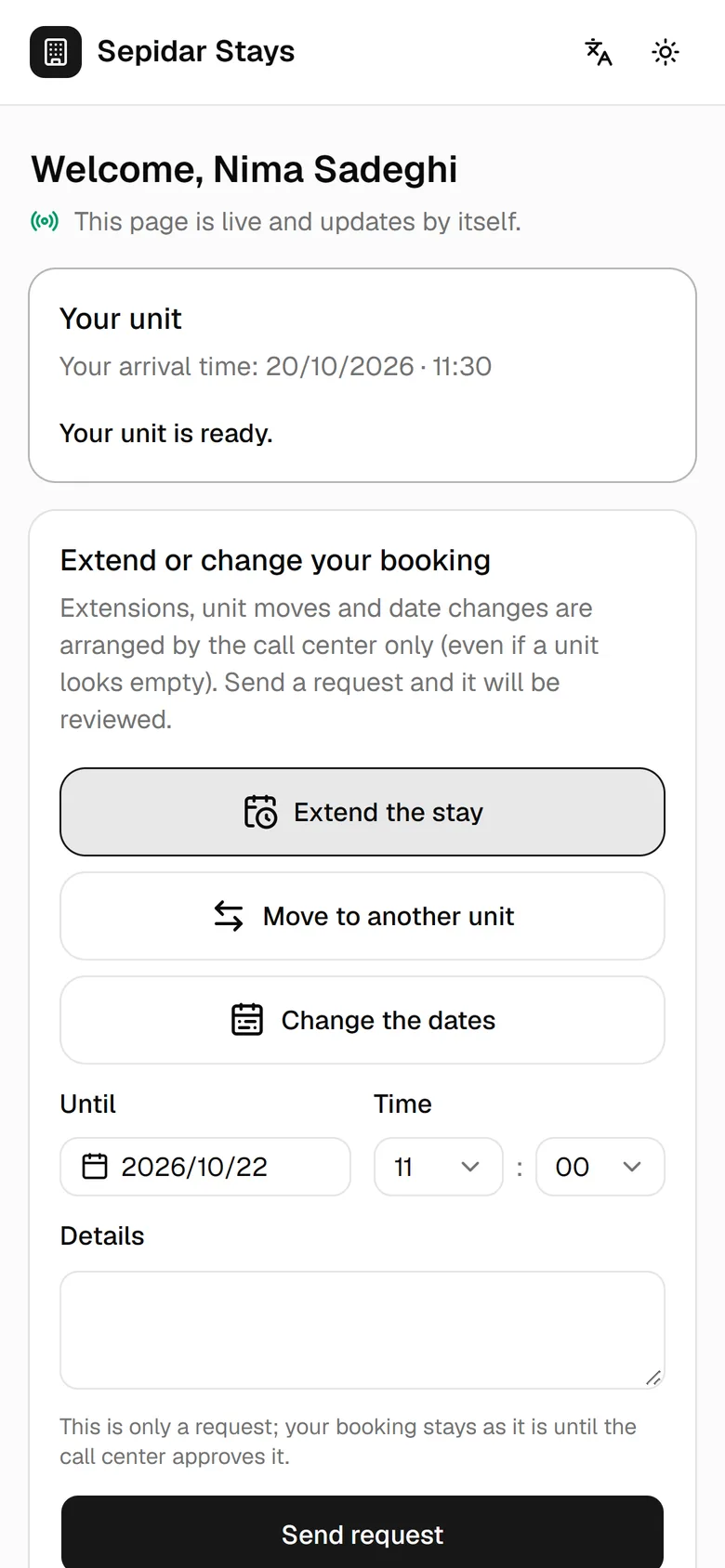
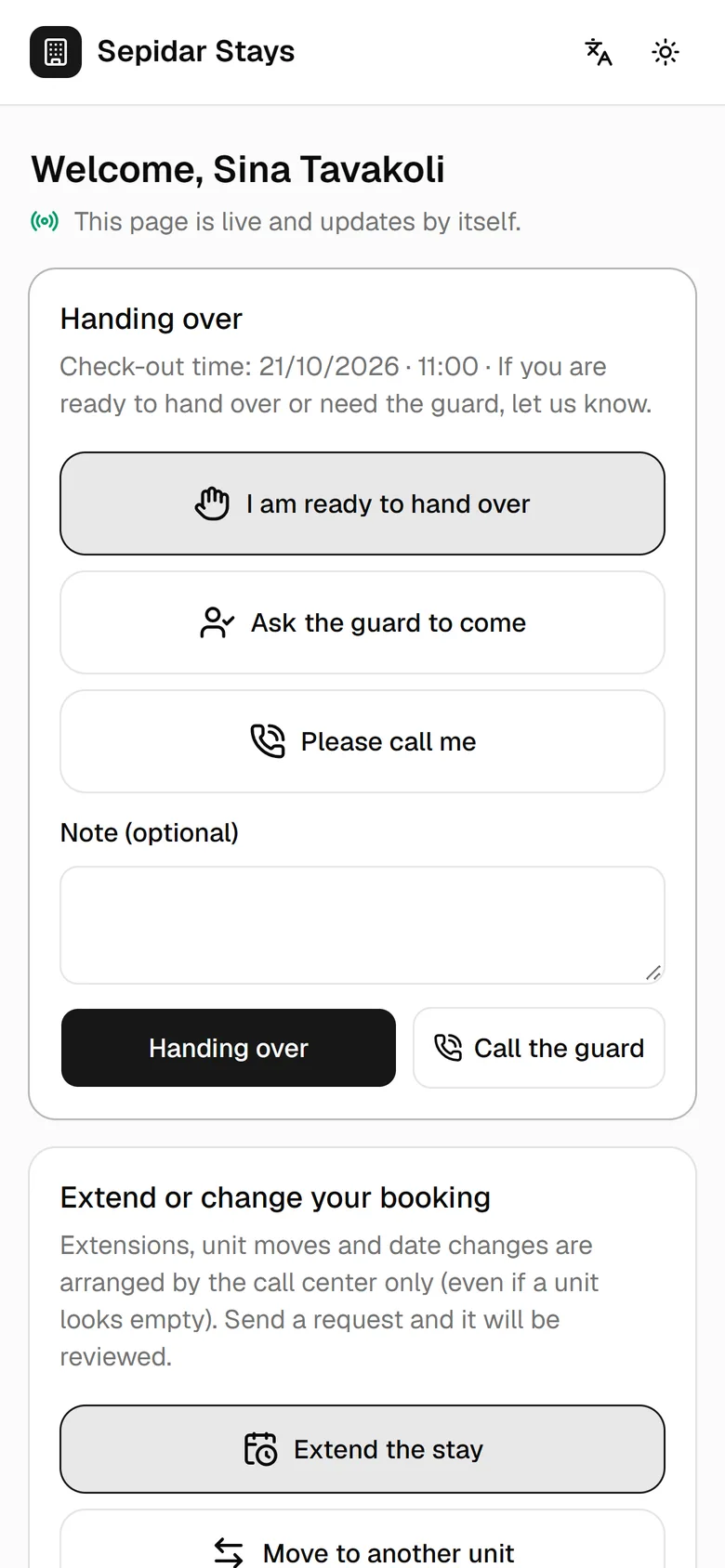
The guest sees the unit's status, asks for the host or a call, and requests an extension; the call center decides.
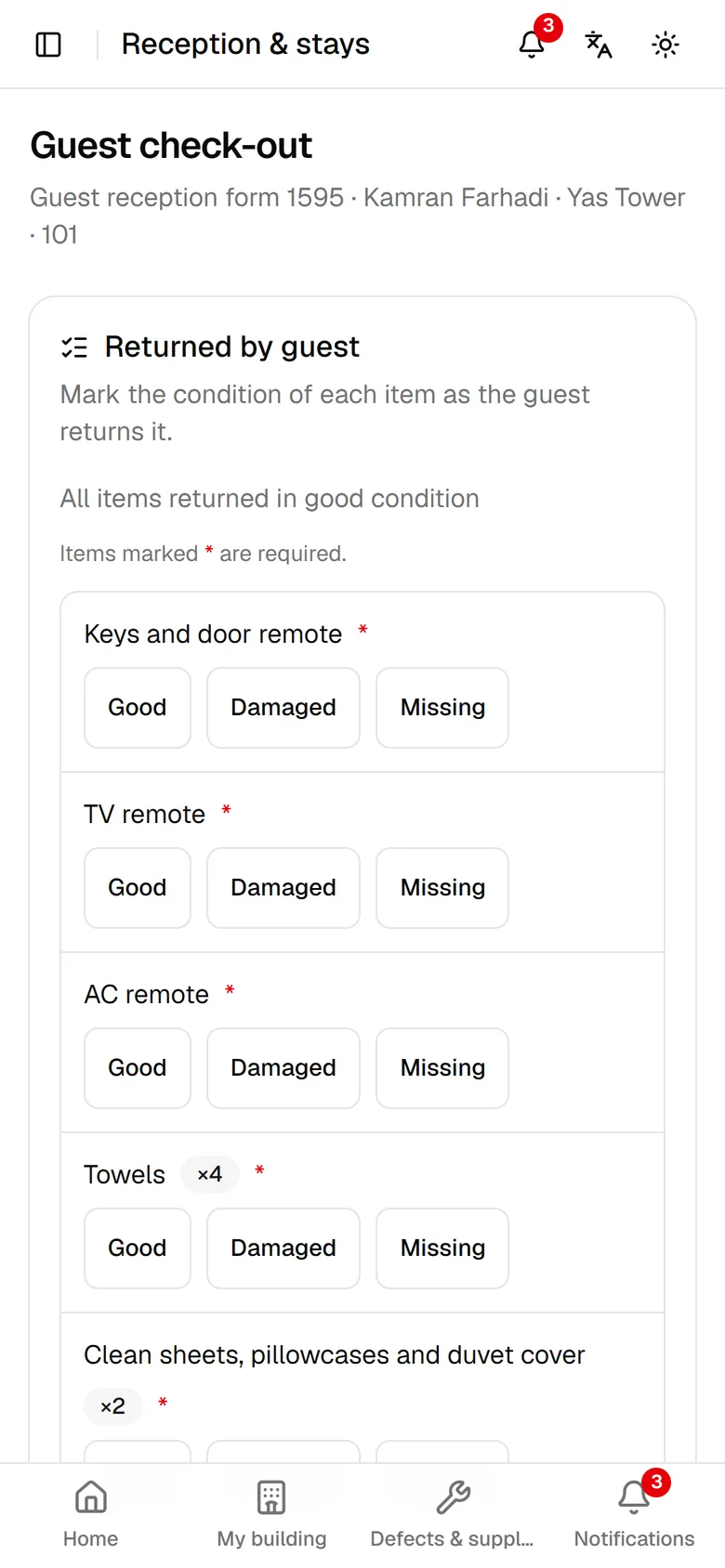
Every item handed over is marked fine, damaged or missing, and the unit moves to the cleaning queue by itself.
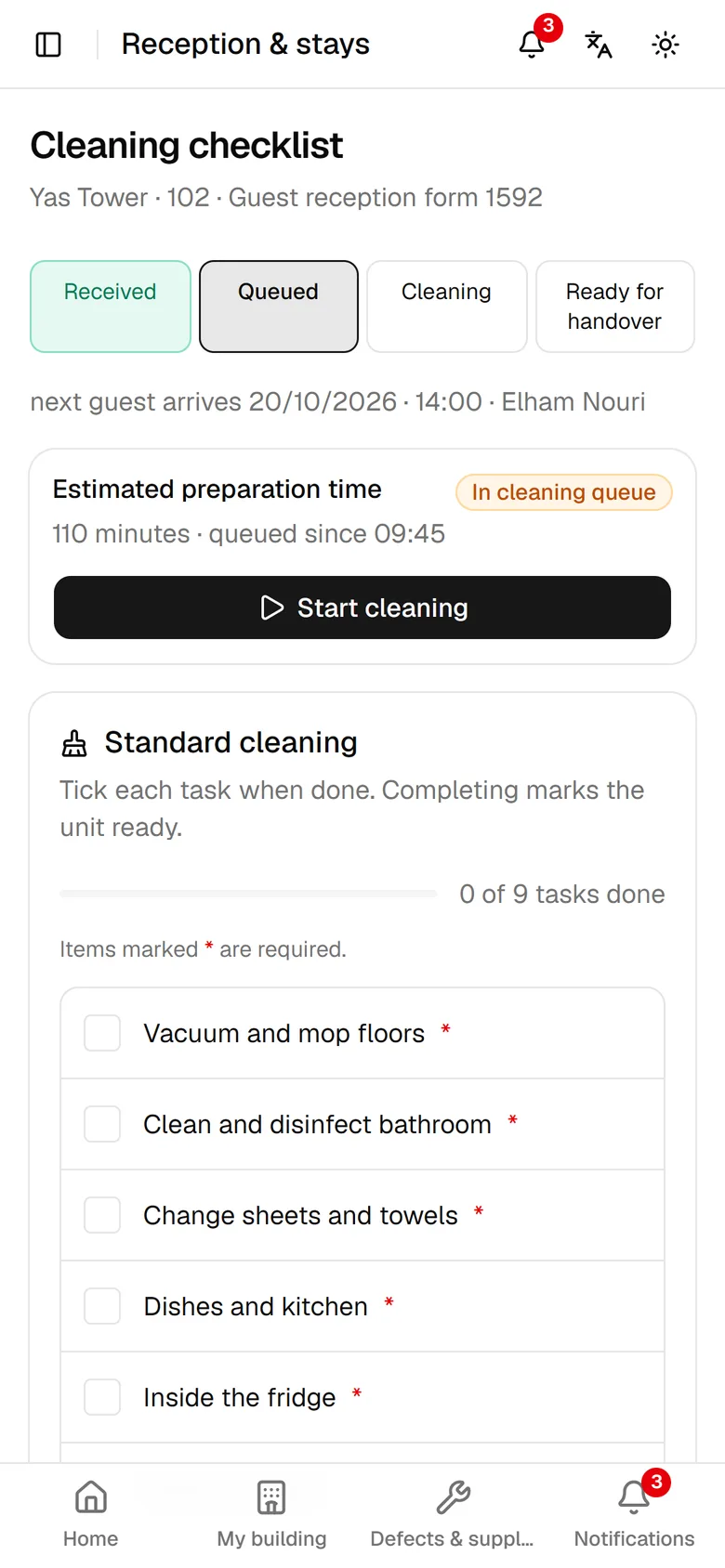
A cleaning queue, an estimated ready time and a required checklist; the unit is not ready until every required item is ticked.
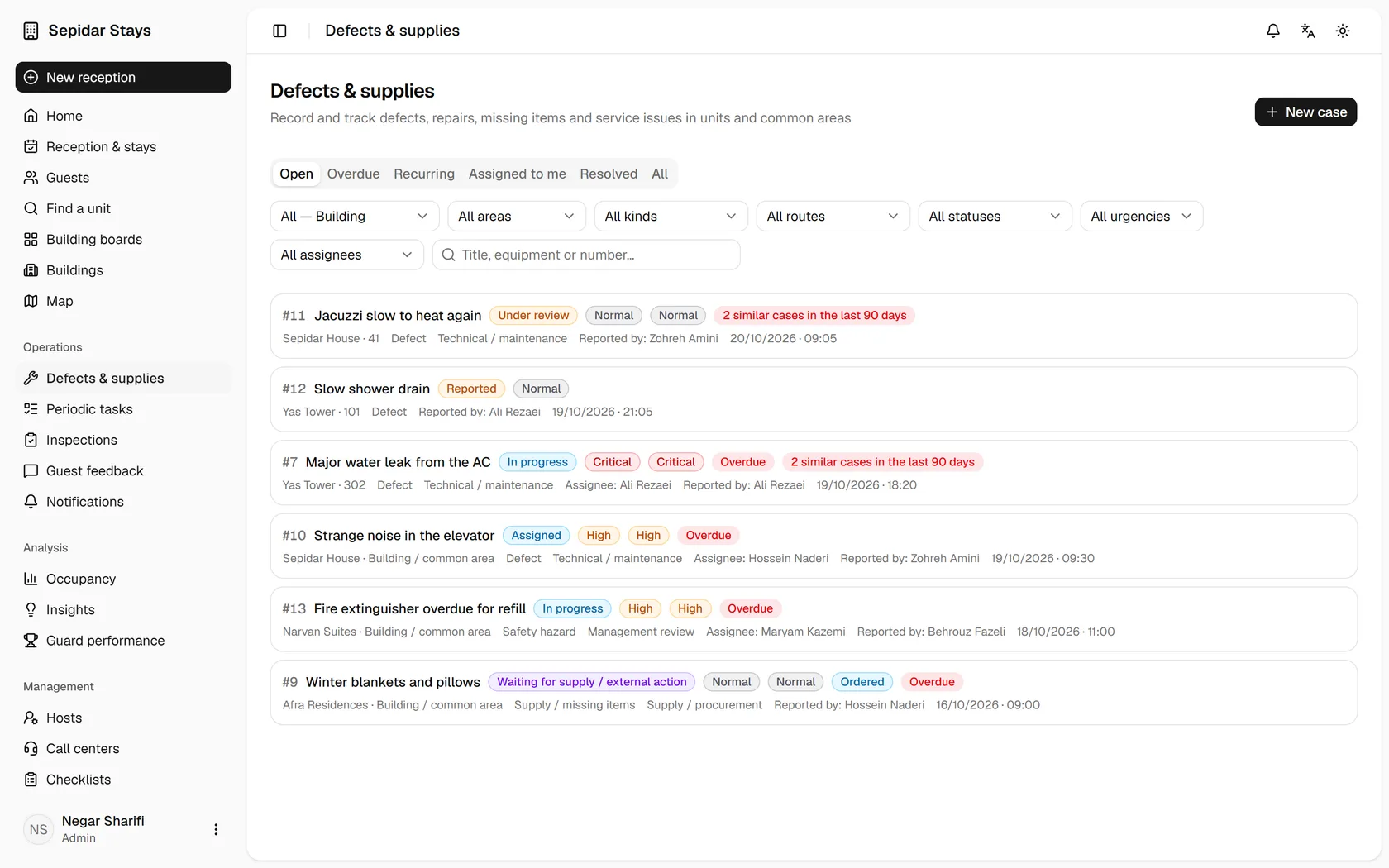
Each problem is a case with an owner, priority and history; "fixed" does not close it until an operations coordinator or admin verifies.
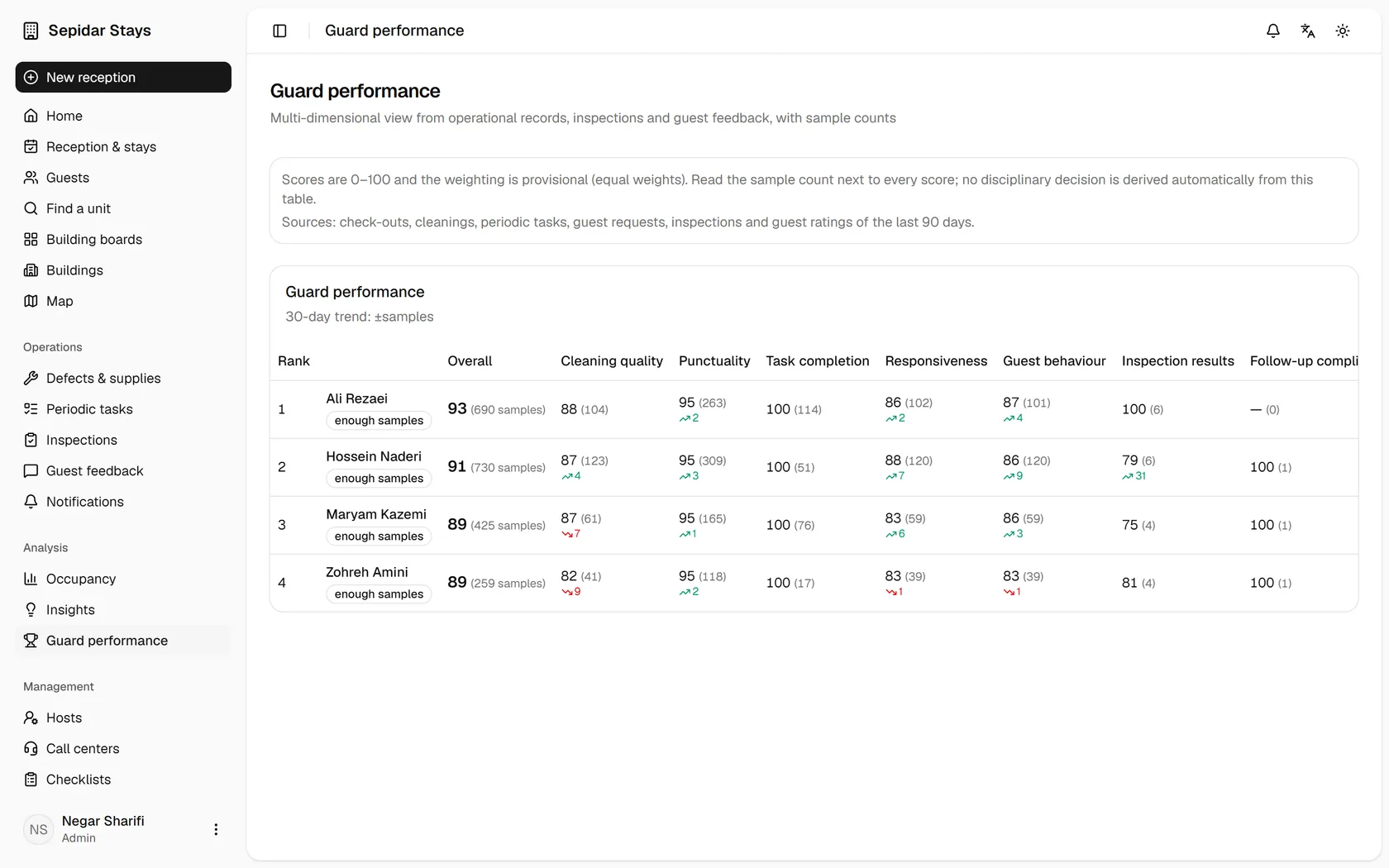
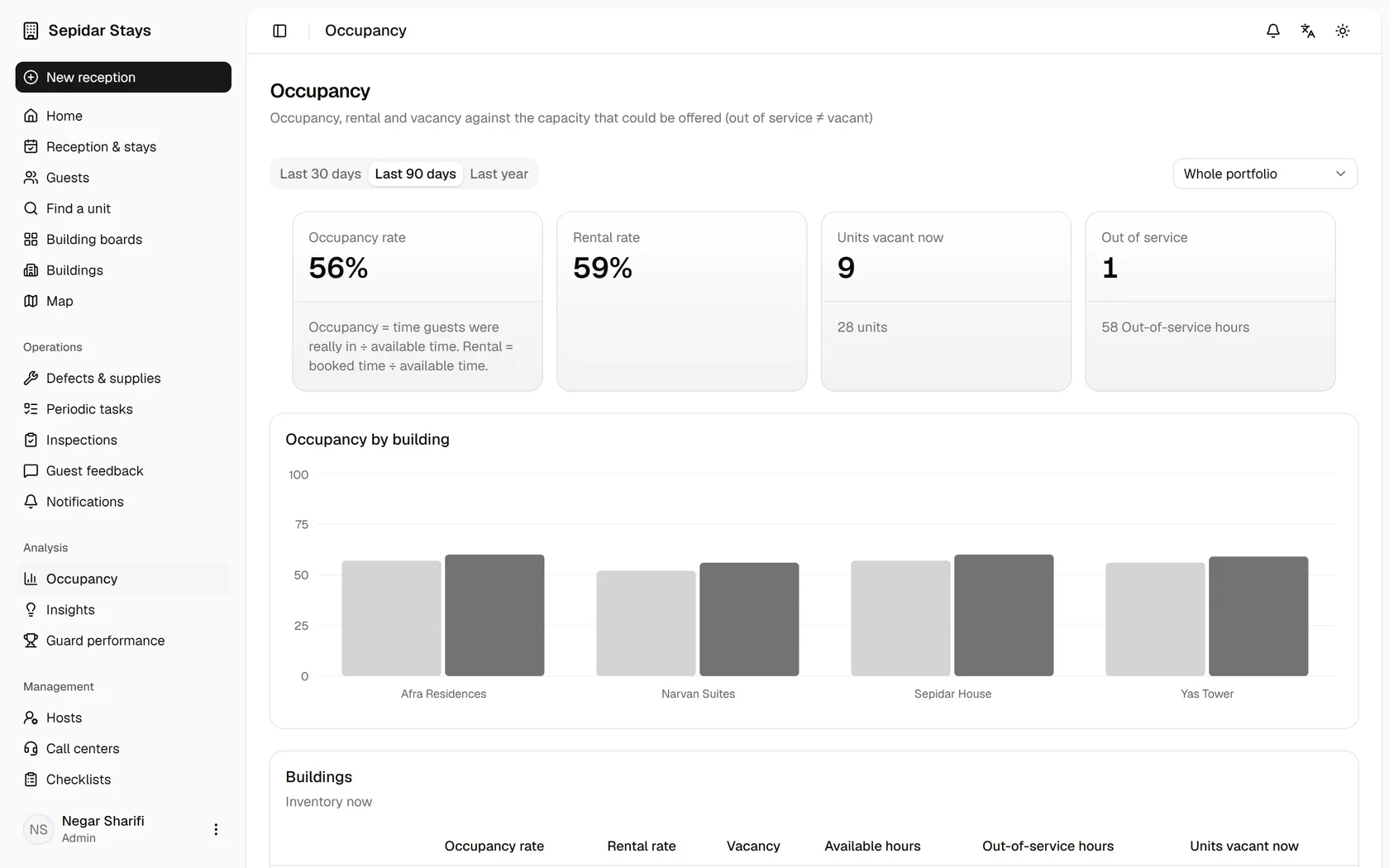
Real occupancy, guest satisfaction and host performance, every number with its sample size; out of service is not counted as empty.
The check-in form, the item list with the host's ticks as they happen, the rules and the signature, refreshed every two seconds.
Multi-day and hourly stays on one calendar; pick a range and a prefilled booking form opens.
Estimates learn from that unit's own history.
Routing, deadlines by priority, repeat problems and taking a unit out of service.
Seven dimensions, each with its sample size; nothing is decided automatically.
Check-out soon, late check-out, next arrival, unit ready and urgent cases, automatically, every minute.
Kavenegar, Melipayamak or a webhook
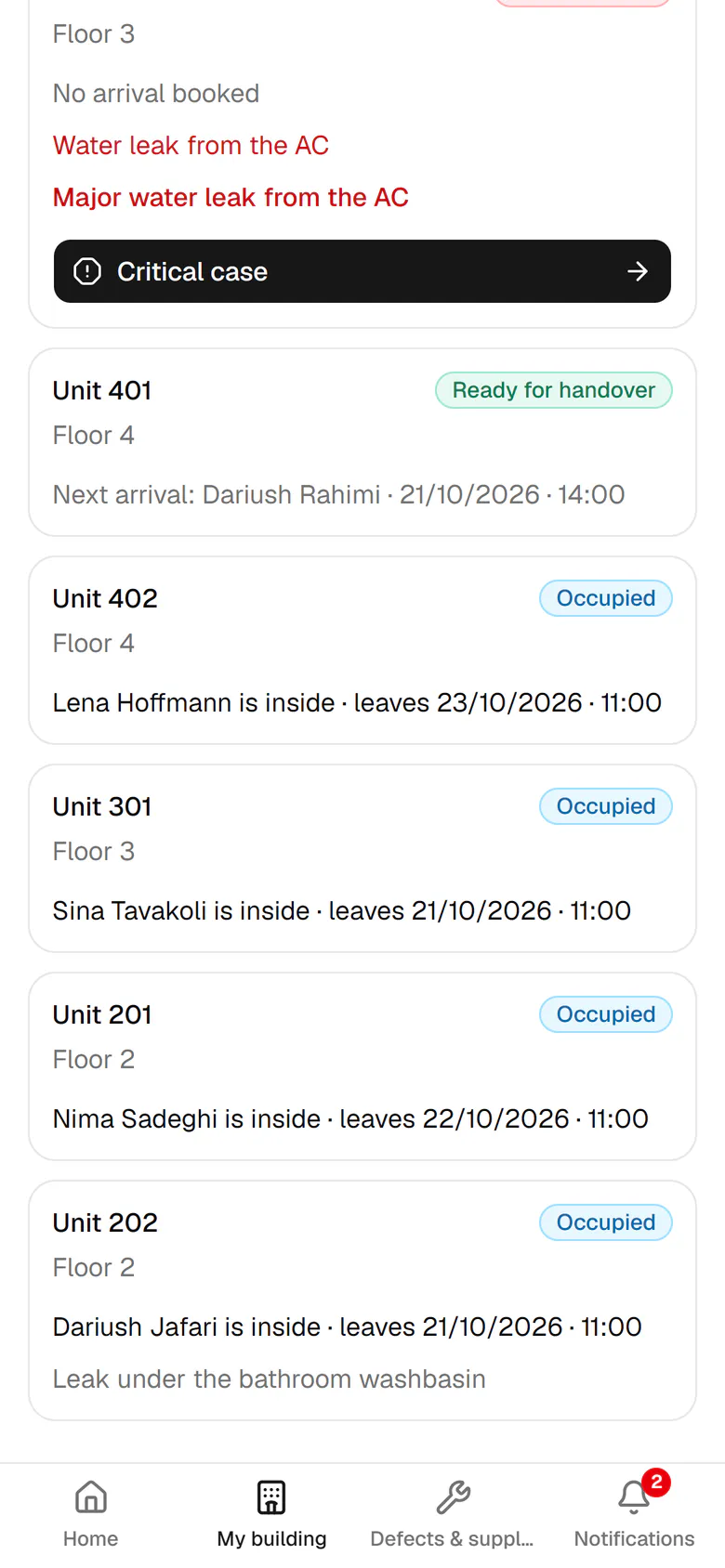
The building as it really is, floor by floor: today's booking and the unit's operational state side by side.
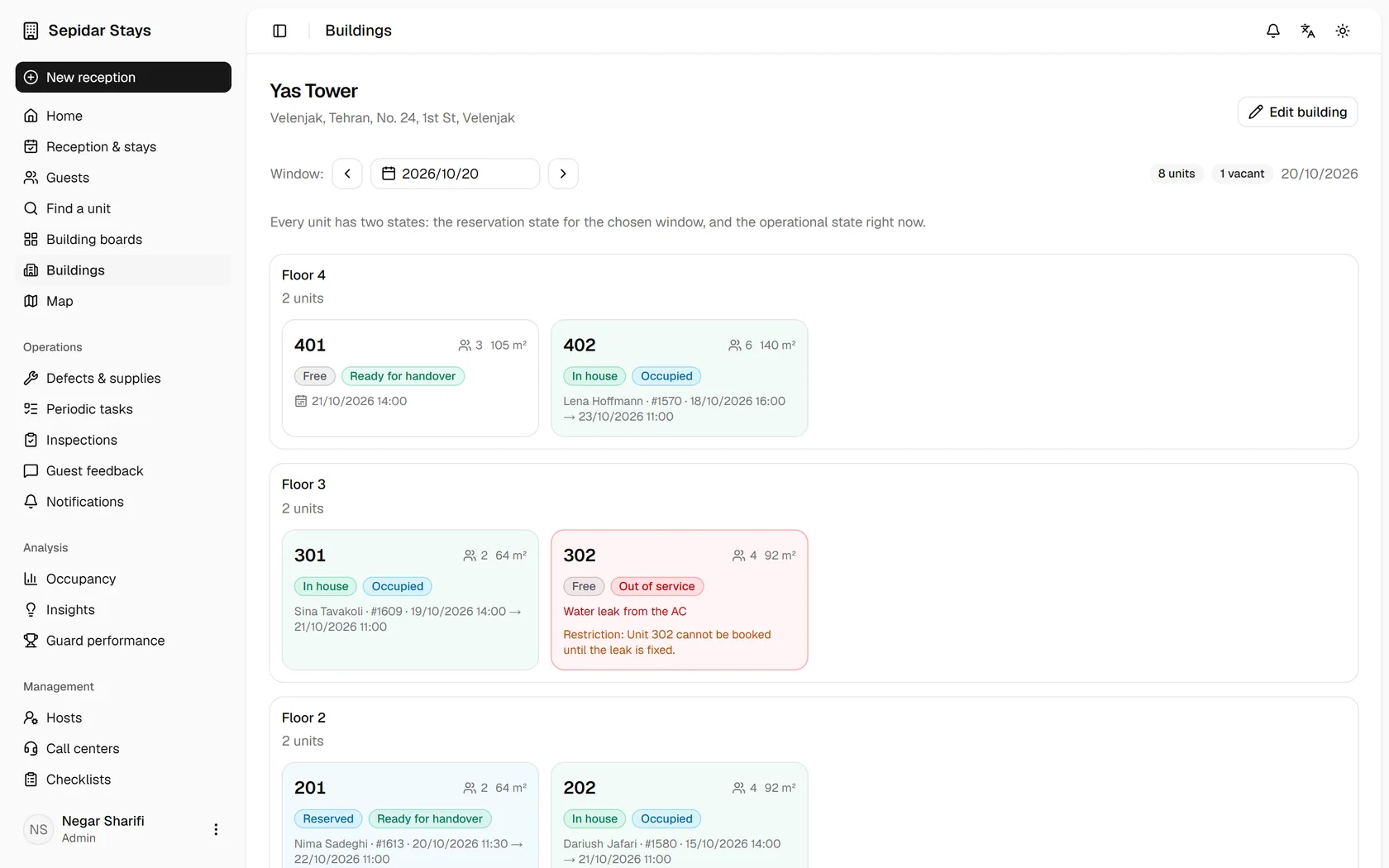
Ready, occupied, waiting for cleaning, cleaning, out of service
Empty does not automatically mean bookable
The call center sees only the limits management shares
A real working day across four buildings and 28 units, seen by five people. Every moment links to its guide.
From admin to guest. Each section has an animated tour, then step-by-step real screens.
Open the guideNo. A QR code on the host's phone or a link by text opens the guest page in the browser. Signing in with a mobile number and the 6-digit stay code also works.
Yes. Hosts and operations coordinators work mostly on phones: a short bottom bar, large buttons and the phone camera for IDs and damage photos.
On your own server. Mizban installs with Docker, and IDs and signatures are only served through checked, permission-aware routes.
Kavenegar and Melipayamak are built in, and any other service connects through a webhook. Without a gateway the system still works and shows what was not sent.
There is no fixed limit. Each building has its own floors, units, hosts and checklists.